Battery Alerts
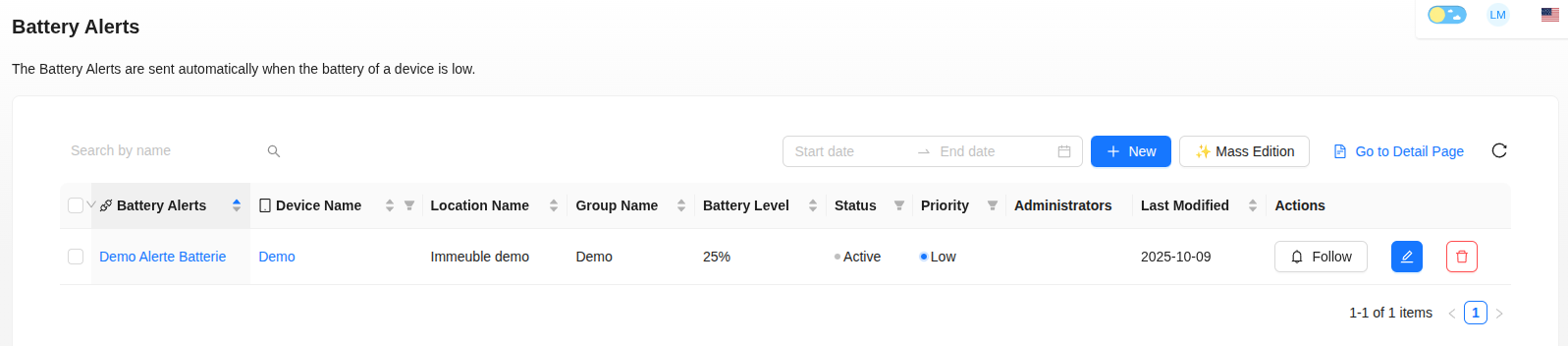
The Battery Alerts are sent automatically when the battery of a device is low.
Create a Battery Alert
- Click on "+ New".
- Fill in the fields:
- Alert name.
- Device concerned.
- Priority (High, Medium, Low).
- Battery level
- Custom message.
- Recipients of the notifications generated by the alert.
Alert Tracking and Status
Once created, an alert is active by default. You can click on "Follow" or "Unfollow" to activate or deactivate notifications for this alert.
The Historical Events tab allows you to consult the history and status of triggered alerts.
Mass Edition
The "Mass Edition" button allows you to attribute the same threshold to several devices easily.