Manage Administrators
Administrators are all the people who have access to the management platform and to one or more group(s).
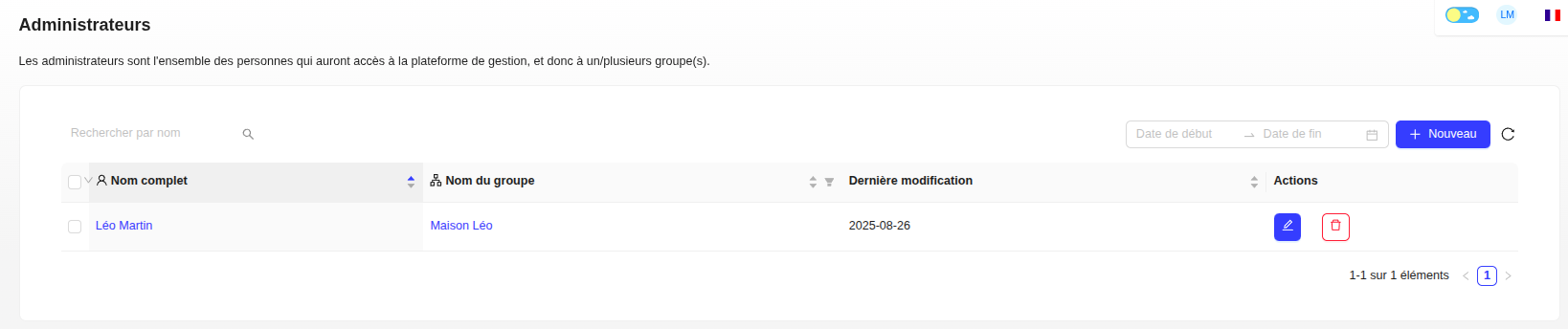
Create an Administrator
- Click on the "+ New" button.
- Fill in the profile information: group name, first name, last name, email, phone number, etc.
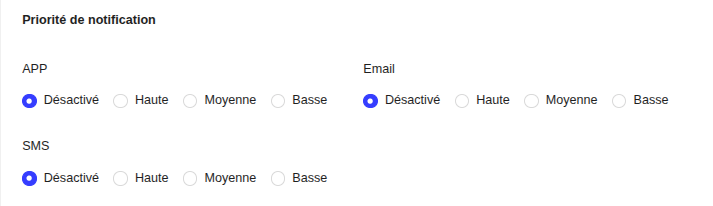
- Define the notification priority (High, Medium, Low) for each channel (APP, Email, SMS).
- Generate a password.
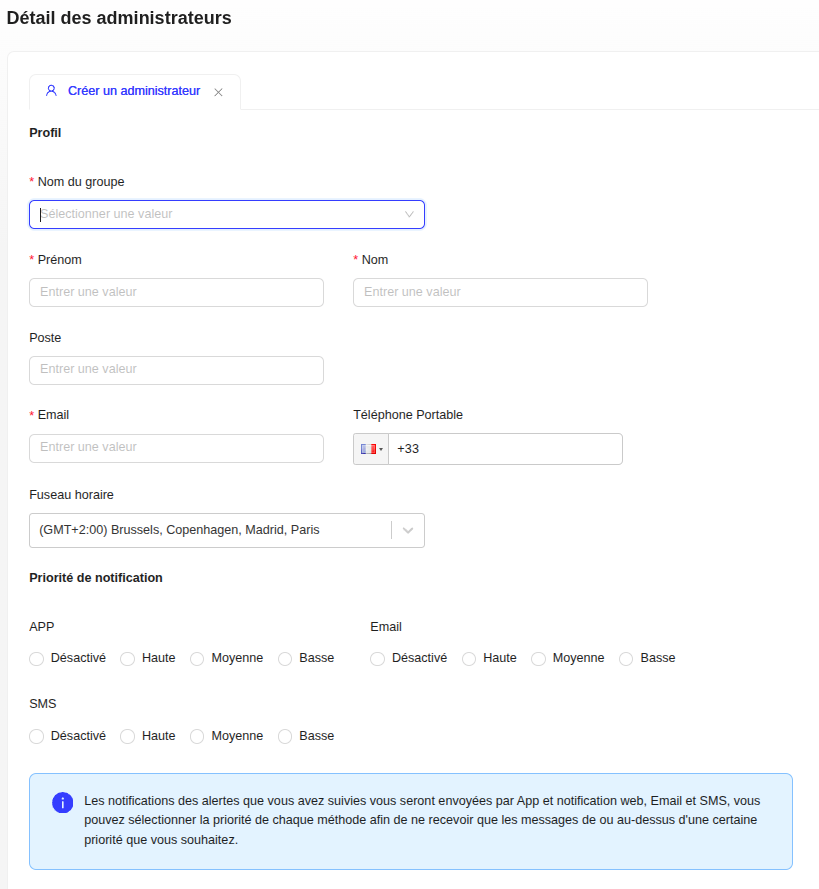
How Notification Priorities Work
The priority level you choose determines the alerts you will receive:
- High: You only receive high priority alerts.
- Medium: You receive medium and high priority alerts.
- Low: You receive all alerts, regardless of their priority.
Follow Alerts
In your profile, click on "Follow alerts" to choose the alert priority levels you want to receive for specific sites.
Modify or Delete an Administrator
- To modify a record, click on the pencil icon.
- To delete an administrator, click on the trash icon or open their record and click on the "Delete" button.