Multiple Sensors
Multiple sensors allow you to compare the consumption of several sensors (unique or virtual). This function helps to quickly identify a sensor with abnormal consumption compared to others.
Create a Multiple Sensor
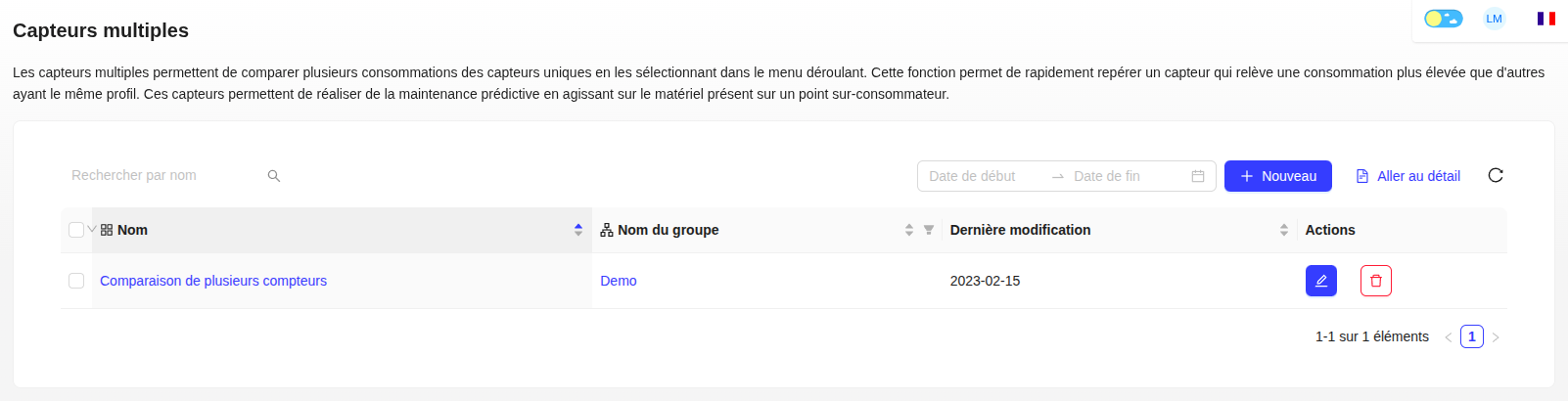
- Click on "+ New".
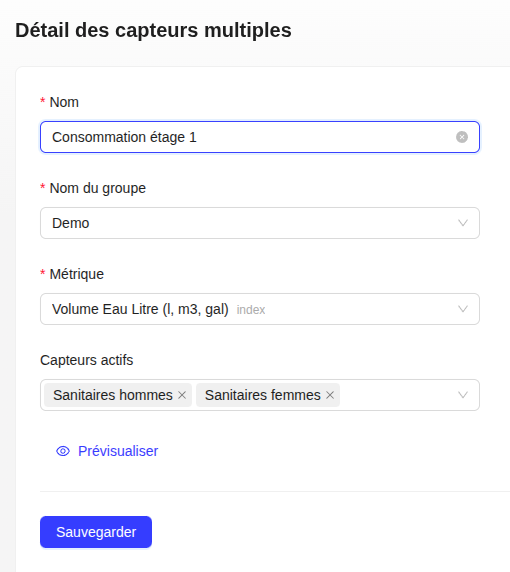
- Give a name to your comparative view and link it to a group.
- In the detailed view, click the Edit icon to select the sensors (unique or virtual) you want to compare.
Visualization
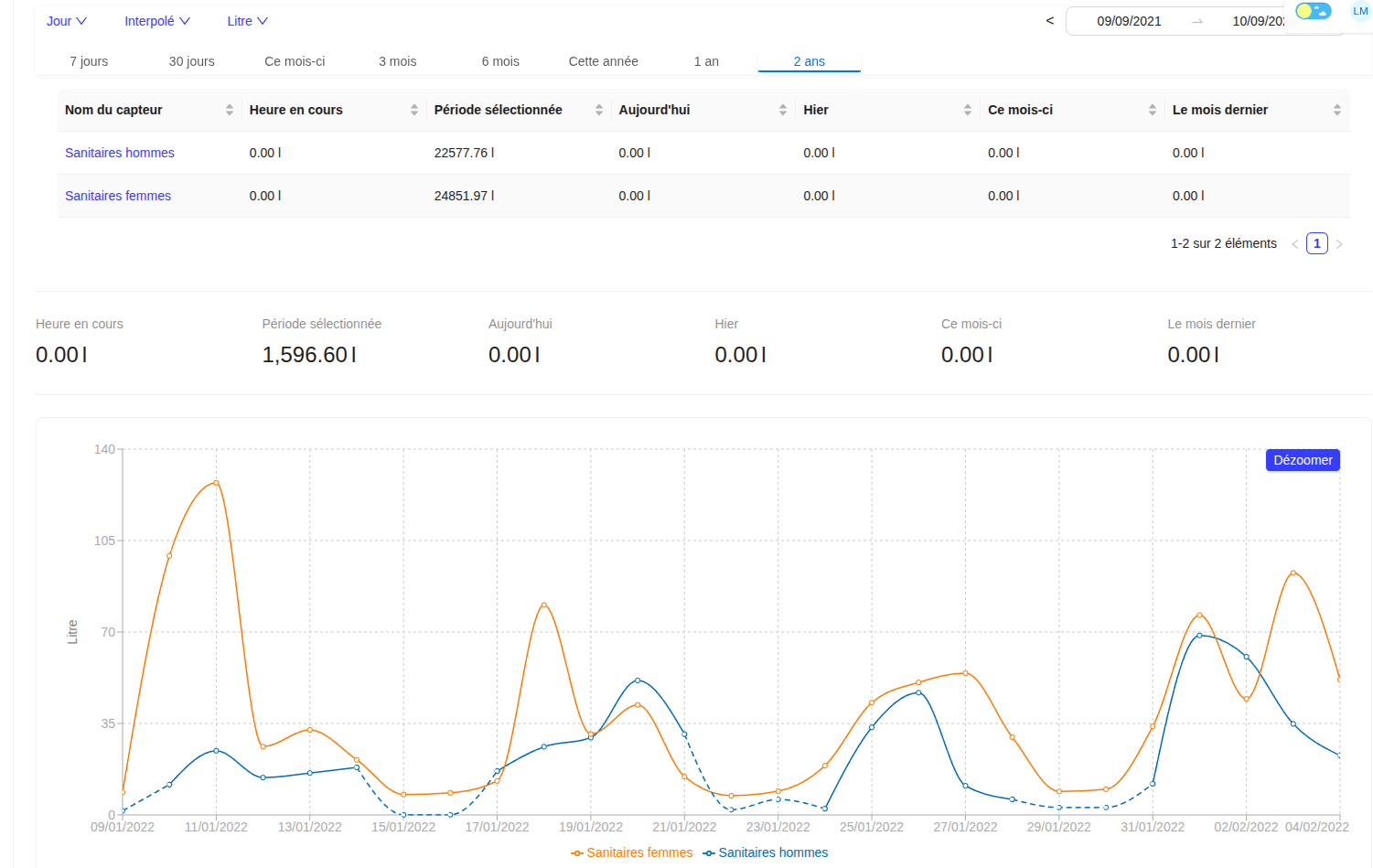
The overview displays a comparative table (exportable) and a graph overlaying the consumption curves of each selected sensor (unique or virtual).