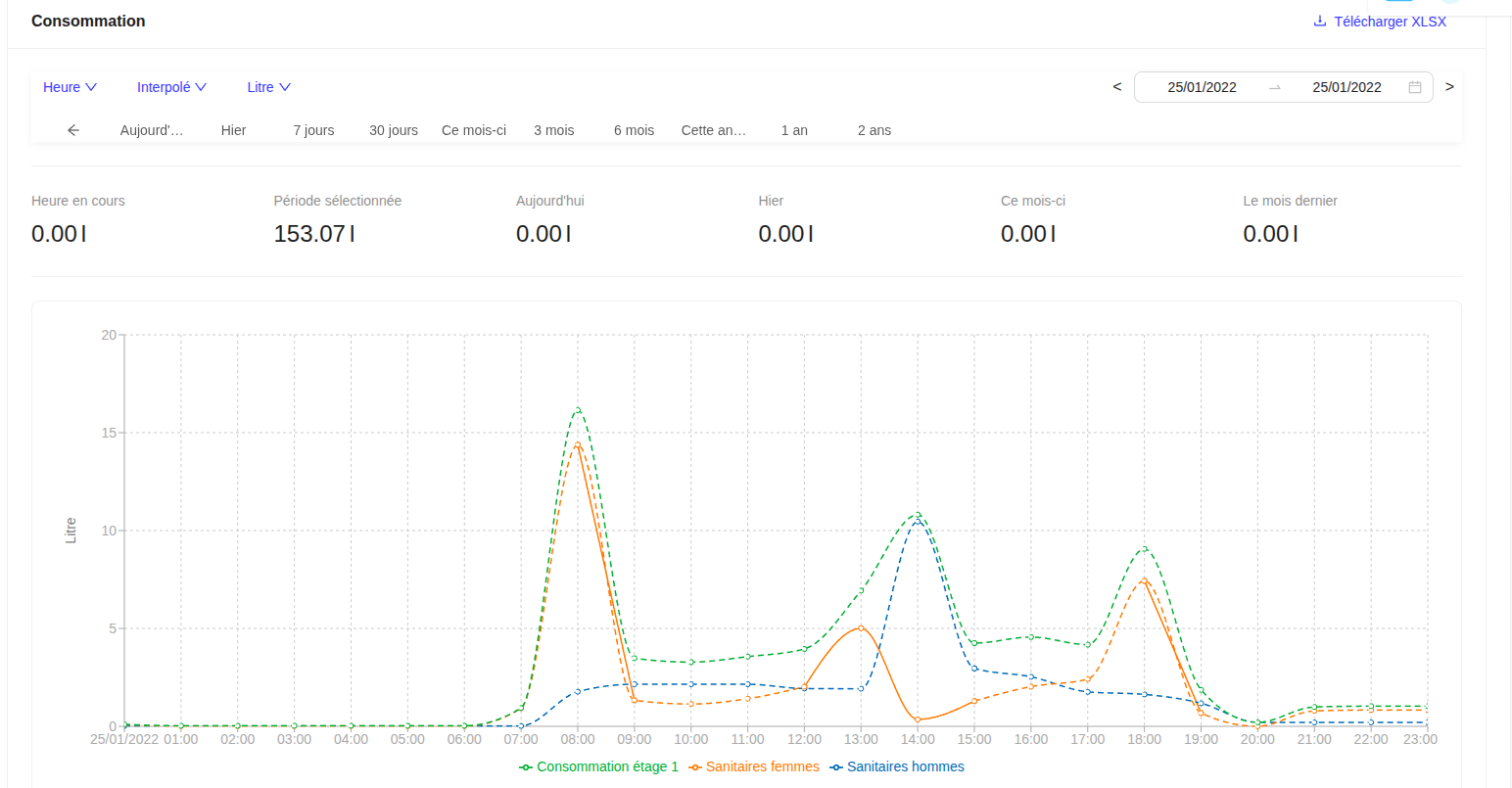
Virtual Sensors
Virtual sensors allow you to calculate the combined consumption of several sensors by adding or subtracting their values, to obtain the net consumption of an area, a floor, a building, or a group.
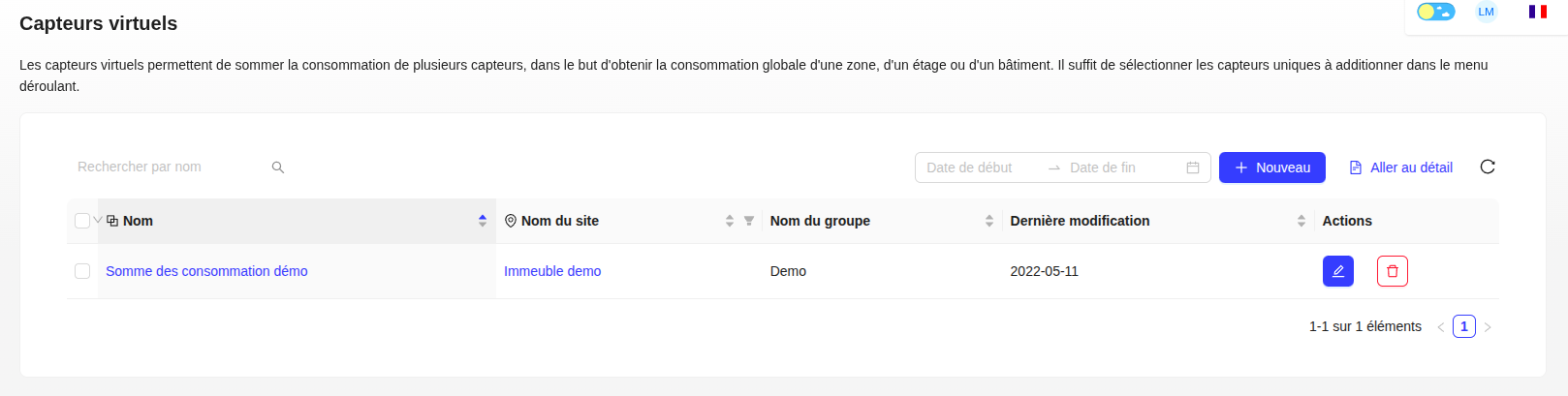
Create a Virtual Sensor
- Click on "+ New".
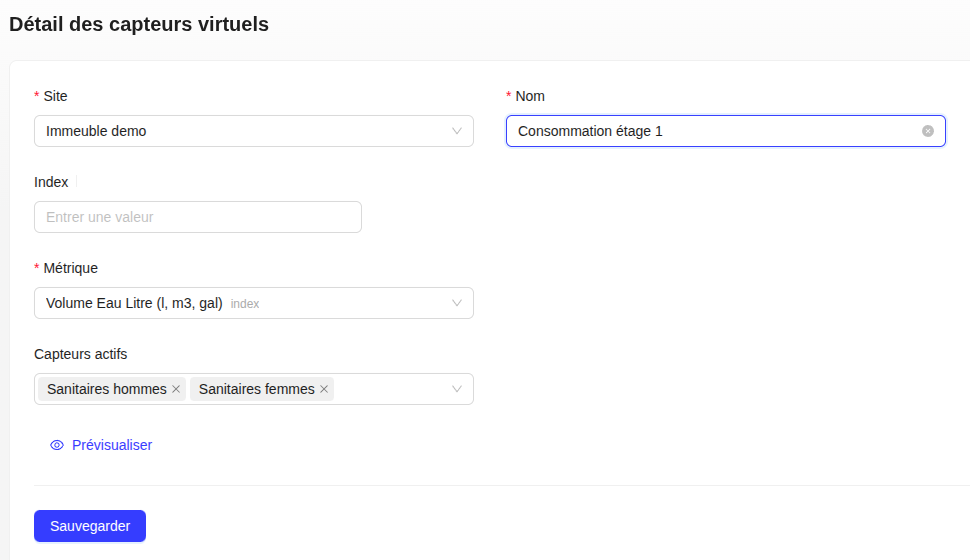
- Choose the site and give a name to the virtual sensor.
- Select the unique sensors to include in the calculation and choose the operation (addition or subtraction) for each sensor.
- Save.
Site Counter
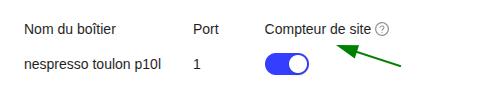
You can enable the site counter feature to use this sensor to measure the total consumption of the entire site. When multiple sensors on the same site have this feature enabled, the sum of the total consumption of all sensors equals the site's consumption.
Previous Period
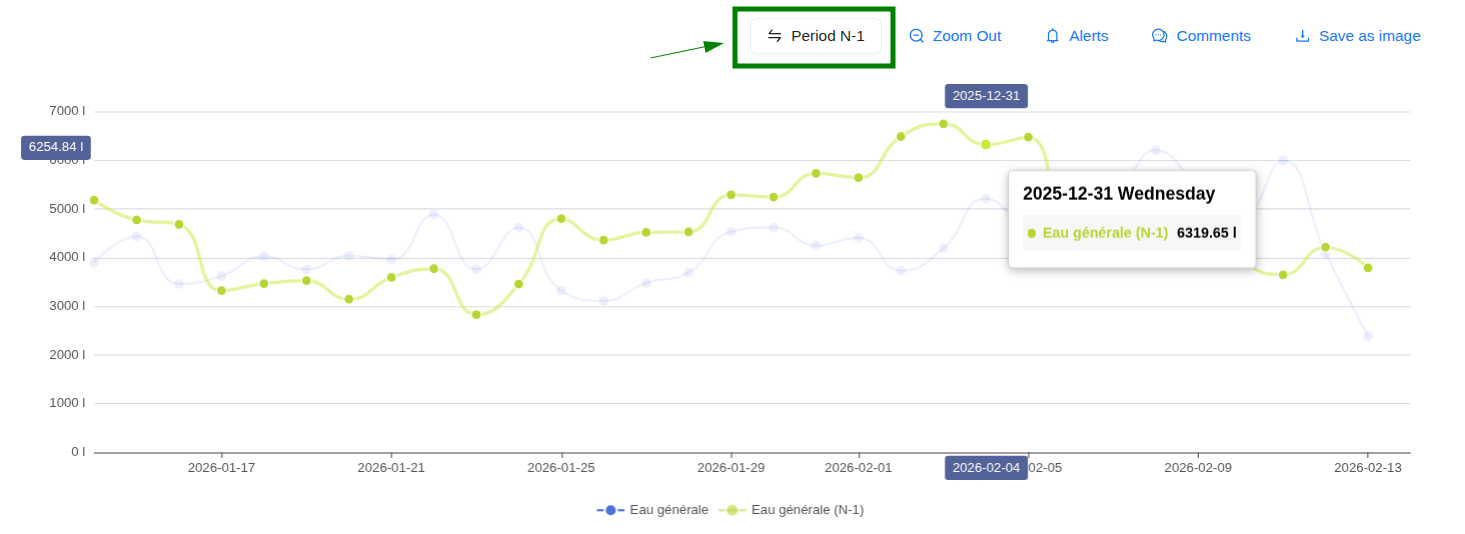
Compare your current consumption with that of the previous period in one click. Enable the "Previous Period" button to overlay your histories and identify your consumption variations.
Visualization
The view of a virtual sensor is similar to that of a unique sensor, with a Graph tab that displays the calculated result (addition or subtraction) of the consumption of the selected sensors.